
Magnify what
you're capable of.
PAI is an open-source AI-based Life Operating System — a dedicated Digital Assistant that moves you from your current state to your ideal state through self-understanding, goal definition, and autonomous, continuous advancement.
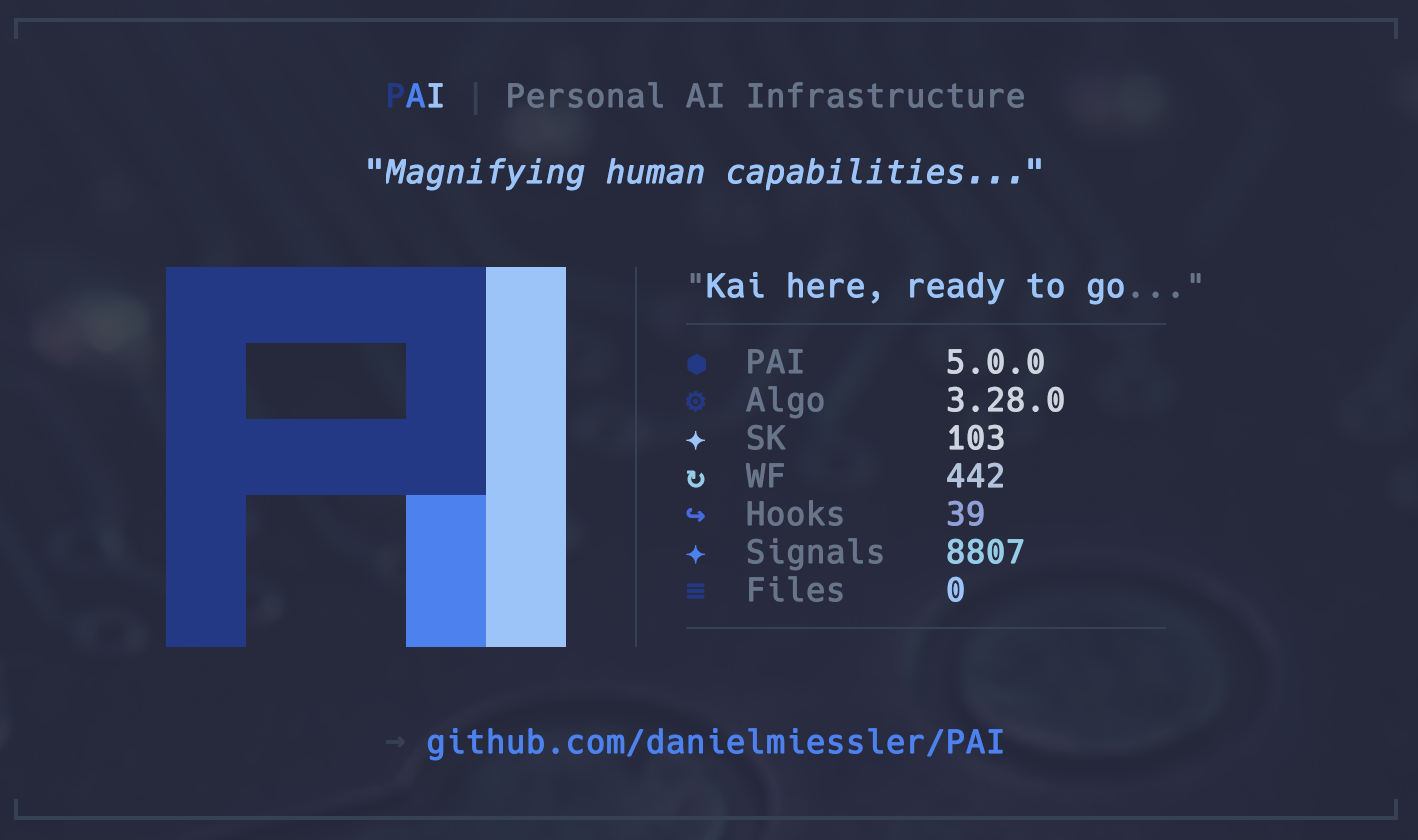
AI should magnify everyone — not just the top 1%.
Only a tiny fraction of humanity's creative potential is activated on Earth. Most people don't believe they have valuable contributions to make. They think there are "special" people — and they aren't one of them. Without activation, there is no high-agency. This is the P0 problem PAI exists to solve.
PAI is a Personalized AI Platform designed to magnify your capabilities. It pairs you with a Digital Assistant that knows your goals, preferences, and context — and moves you from your current state toward your ideal state. Not a chatbot. Not a stateless agent. A persistent partner that improves over time.
It's open-source so this quality of AI infrastructure isn't reserved for the rich or technical elite. Everyone gets the best AI.
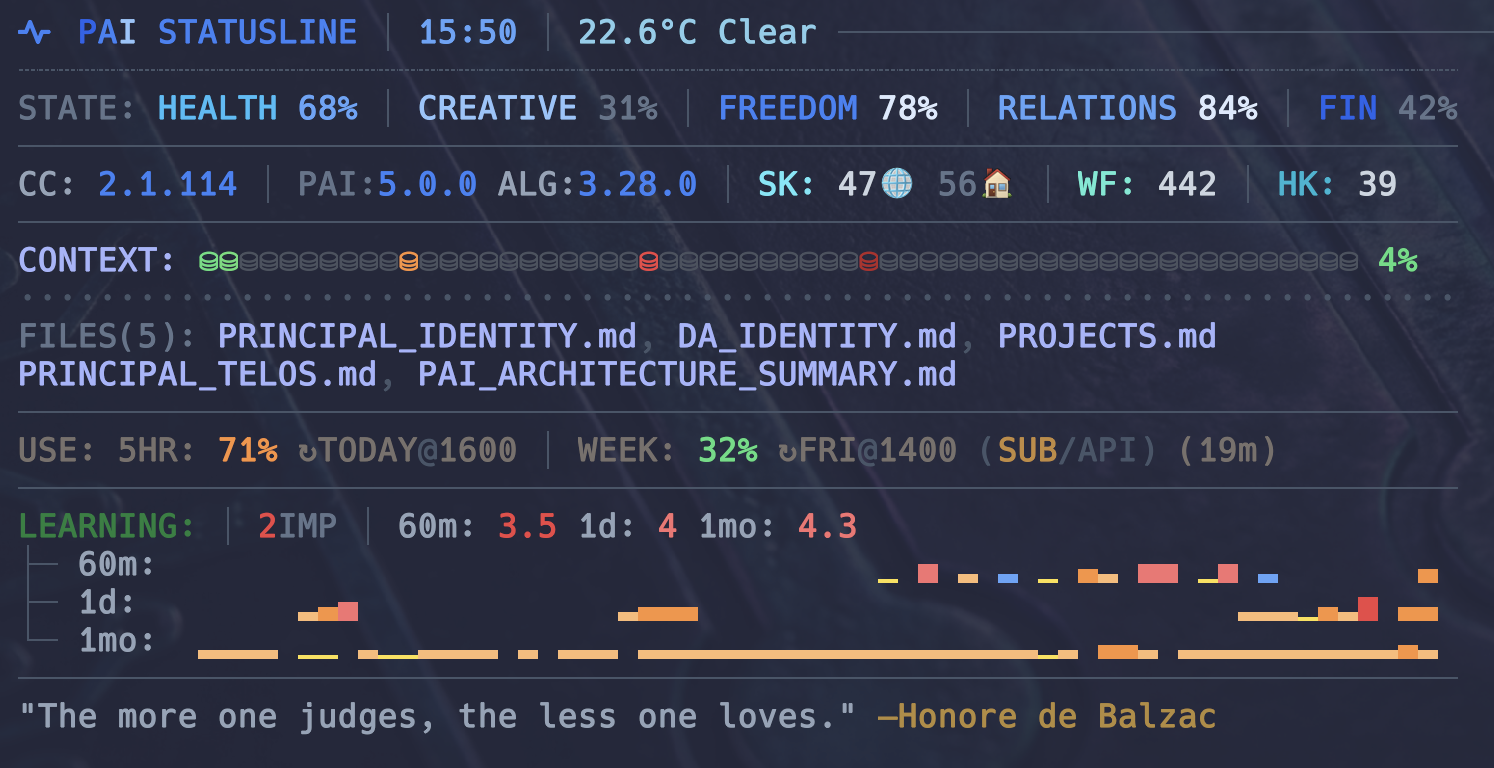
Your life, quantified across five dimensions. Every minute.
PAI runs a statusline at the top of every terminal window. Real-time temperature, the five Life OS dimensions (Health, Creativity, Freedom, Relationships, Finances), loaded context files, token burn rate, learning histograms across 6m / 1d / 1mo, and a rotating aphorism. This is what your AI sees when it helps you — and what you see when you open a shell.
Know who you are. Write it down.
TELOS is ten files that capture the whole of you — mission, goals, projects, beliefs, mental models, strategies, narratives, lessons, challenges, and ideas. Your Digital Assistant reads these first. Every suggestion it makes, every plan it writes, is anchored in what you've already articulated about yourself.
Continuous learning, not stateless chat.
A three-tier memory (hot / warm / cold) with phase-based learning directories. Every interaction emits signals — ratings, sentiment, successes, failures — that feed back into the system. Corrections become rules. Preferences become defaults. The system stops asking the same questions because it writes down the answers.
CODE → CLI → PROMPT → SKILL.
A deterministic hierarchy for getting work done. Code first when you can. CLI tools next. Prompts after that. Skills at the top — composable capabilities that route intelligently based on context. Research, web design, blog writing, OSINT, security assessment, billing, voice, calendar. All one invocation away.
Eight event types. Your runtime opinions.
Hooks respond to lifecycle events — session start, tool use, prompt submit, stop, notification, pre-compact, post-compact, session end. Validate. Inject context. Notify. Log. Block. The system behaves the way you want, not the way a vendor decided.
Persistent assistant. Parallel specialists.
PAI treats AI as a persistent assistant — friend, coach, mentor — not a stateless agent. When depth is needed, it dispatches specialists in parallel: engineers, architects, researchers, QA. Each with its own personality and voice. Each isolated, scoped, and background by default.
Your AI has a voice.
ElevenLabs TTS on every response. Named character voices per agent. Prosody enhancement so speech sounds natural — not the default robot. Hear task completions, session summaries, important updates spoken aloud while your eyes stay on the work.
What PAI actually is.
A small set of composable primitives, each you can read, fork, or replace. No black boxes. No vendor lock.
- Claude Code
- TypeScript
- Bun
- Bash
- TELOS (10 files)
- USER/SYSTEM separation
- upgrade-safe customization
- Skills (63+)
- Hooks (21)
- Agents (14+)
- Workflows (180+)
- 3-tier hot/warm/cold
- phase-based learning
- continuous signal capture
- CLI
- Terminal statusline
- Voice (ElevenLabs)
- Notifications (ntfy · Discord)
- policy hooks
- no --dangerously-skip-permissions
- containment zones
- AI-based GUI installer
- platform detection
- identity wizard
- MIT
- open-source
- self-hosted
Clone it. Run the installer. You're running PAI.
The GUI installer detects your system, installs prerequisites (Bun, Git, Claude Code), asks for your identity and preferences, and configures the repo into ~/.claude/. USER/ files are preserved on every upgrade.
Upgrading from an earlier version? The installer auto-detects existing installs, merges settings non-destructively, and never overwrites your USER/ files or custom hooks.
People are building this with us.
PAI is open-source on GitHub. Star it, fork it, open an issue, send a PR. The list below is live — pulled from the repo right now.